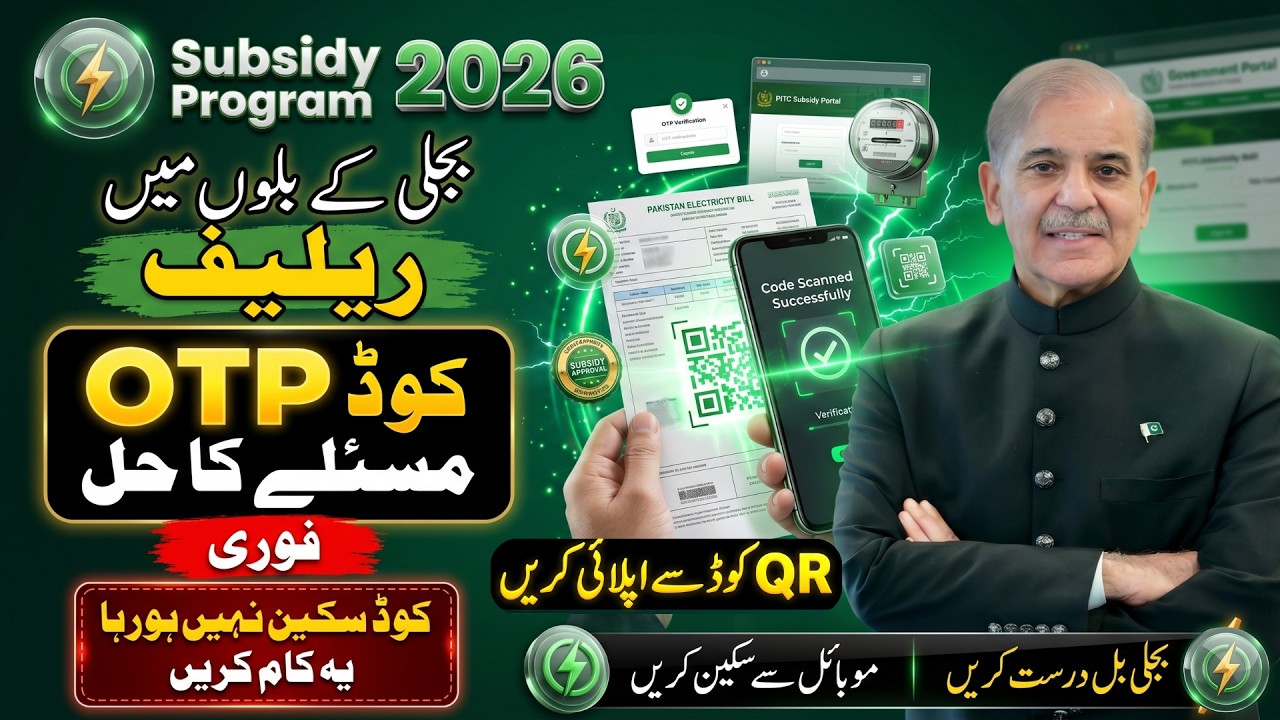
The Government of Pakistan and the Power Information Technology Company (PITC) have introduced a new digital update for domestic electricity consumers. Newer electricity bills now feature a printed QR Code. This code allows consumers to instantly access the official online portal to verify their information or register for targeted power initiatives like the Cross Subsidy Program.
Scanning this code removes the need to type out your reference number manually and helps you avoid slow loading issues on temporary registration portals. Follow this quick, secure guide to scan your utility bill correctly using any mobile phone.
Quick Guide: Verification via Bill QR Code
| Device Type | Scanning Method | Action Step |
|---|---|---|
| iPhone / iOS | Built-in Apple Camera App | Point the camera directly at the code and tap the pop-up link. |
| Android Phone | Google Lens / Default Camera | Open Google Lens, focus on the code, and tap the website link. |
| Official Destination | Secure Government Link | Redirects strictly to css.pitc.com.pk for user processing. |
Step-by-Step Instructions to Scan Your Bill QR Code
You do not need to download a suspicious, ad-heavy third-party app to scan your bill. Modern smartphone operating systems handle this natively.
Method 1: Using an Android Phone (Google Lens)
- Locate the square QR code, usually printed on the top-left or bottom corner of your utility bill (LESCO, MEPCO, IESCO, FESCO, etc.).
- Open your phone’s default Camera app or open Google Lens directly from your search bar widget.
- Align the QR code inside the white frame overlay shown on your mobile screen.
- Keep your hand steady for 2 seconds. A website link snippet starting with https://css.pitc.com.pk/ will appear right above the code.
- Tap the link to open the official application portal instantly inside your mobile browser.
Method 2: Using an iPhone (iOS)
- Open the built-in Camera app from your home screen or control center.
- Hold your device steady so that the QR code appears clearly on the screen view.
- Your iPhone will automatically recognize the matrix barcode and display a yellow link box beneath it.
- Tap the yellow “css.pitc.com.pk” notification tab to launch Safari and proceed with your registration.
What Happens After Scanning the Code?
Once the link successfully opens on your smartphone, the system takes you through an automated 3-step digital confirmation process:
[Scan Printed Bill QR Code]
            │
            ▼
[Automated Redirect to Official PITC Portal]
(Your 14-digit reference number fills in automatically)
            │
            ▼
[Input CNIC and Biometric Mobile Number]
            │
            ▼
[Enter 6-Digit OTP Received via SMS] ──► Registration Confirmed
⚠️ Critical Fraud Alert: Avoiding Fake QR Code Scams
With the rollout of the 2026 electricity relief initiatives, the Ministry of Energy (Power Division) has issued an urgent advisory warning citizens against organized online financial scams. Fraudulent groups are creating look-alike websites and distributing fake QR links on WhatsApp to steal sensitive personal information.
IMPORTANT CYBERSECURITY WARNING:
- Verify the Address: The genuine registration page will only load on the official domain: https://css.pitc.com.pk. If the scanned code opens an address ending in .blogspot.com, .xyz, .apk, or any unofficial extension, close the tab immediately.
- Never Share Your Password: The real portal uses a secure 6-digit SMS verification code to validate your identity. No government representative will ever call your phone to ask for your active OTP. Keep it private.
- Completely Free: There are absolutely no service fees, forms, or processing charges required to register. Do not pay any local agent or unauthorized online shop to perform this scan for you.
Frequently Asked Questions
What should I do if my phone camera refuses to read the QR code?
If your bill is folded, wrinkled, or printed with faint ink, the camera sensor might fail to read the matrix. If this happens, do not worry. Simply open your internet browser, navigate directly to css.pitc.com.pk, and manually type your 14-digit consumer reference number into the field without adding any spaces or hyphens.
Is it mandatory to download a specific “Cross Subsidy QR Scanner App”?
No, there is no separate official app launched for this. Be very careful—installing unofficial APK files or cloned apps from unknown online sources puts your device and personal data at high risk of malware infection. Your phone’s default camera app is completely sufficient.
The link opened through the QR code shows a “502 Bad Gateway” error. Why?
This occurs due to massive traffic congestion on the main PITC utility database servers when too many users attempt to verify their billing details at the same time. Close the browser, wait for off-peak hours (such as late at night or early in the morning), and try scanning the code again.
Conclusion
Scanning the QR code on your electricity bill is the fastest and most reliable way to access government relief programs without typing errors. Use your phone’s built-in tools like Google Lens or the iOS camera, verify that the website URL strictly reads css.pitc.com.pk, and follow the prompts to complete your secure verification. Stay vigilant against online scammers, protect your verification codes, and only trust official government platforms.
اگر آپ پاکستان میں اپنے بجلی کے بل (جیسے LESCO, MEPCO, IESCO وغیرہ) پر موجود کیو آر (QR) کوڈ کو اسکین کرنا چاہتے ہیں، تو اس کے لیے کسی بھی غیر تصدیق شدہ فریق ثالث (Third-party) ایپ کو ڈاؤن لوڈ کرنے کی بالکل ضرورت نہیں ہے۔ آپ اپنے اینڈرائیڈ فون میں موجود “Google Lens” یا آئی فون (iPhone) کا عام کیمرہ آن کر کے بل پر چھپے ہوئے چوکور کوڈ کے سامنے لائیں۔ کیمرہ خود بخود کوڈ کو پڑھ کر اسکرین پر ایک لنک دکھائے گا، جس پر کلک کر کے آپ براہ راست آفیشل ویب سائٹ پر پہنچ جائیں گے۔
وزارتِ توانائی (پاور ڈویژن) کی جانب سے صارفین کے لیے ایک اہم وارننگ جاری کی گئی ہے کہ انٹرنیٹ پر موجود جعلی لنکس اور واٹس ایپ گروپس میں گردش کرنے والے فیک کوڈز سے ہوشیار رہیں۔ ہمیشہ تسلی کر لیں کہ کوڈ اسکین کرنے کے بعد کھلنے والی ویب سائٹ کا ایڈریس صرف https://css.pitc.com.pk ہونا چاہیے۔ رجسٹریشن کا یہ عمل بالکل مفت ہے؛ اپنا او ٹی پی (OTP) کوڈ یا ذاتی معلومات کسی بھی غیر متعلقہ شخص کے ساتھ شیئر نہ کریں۔